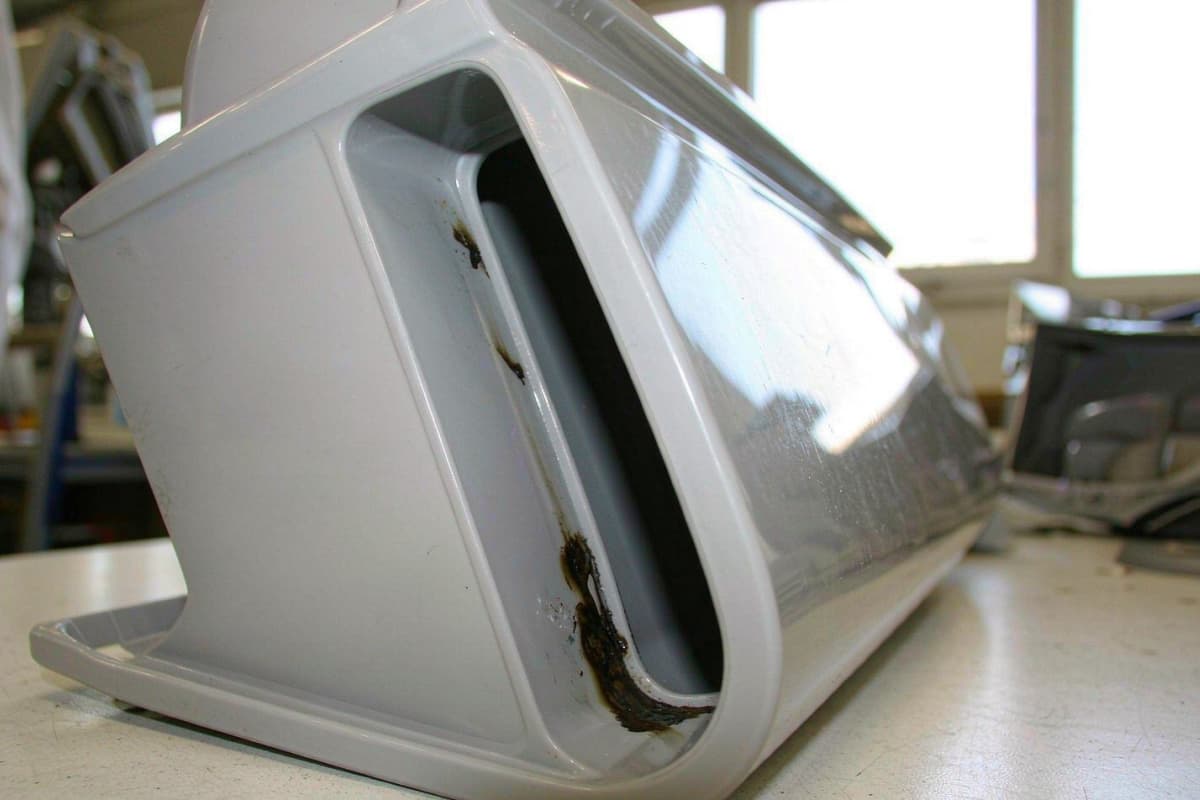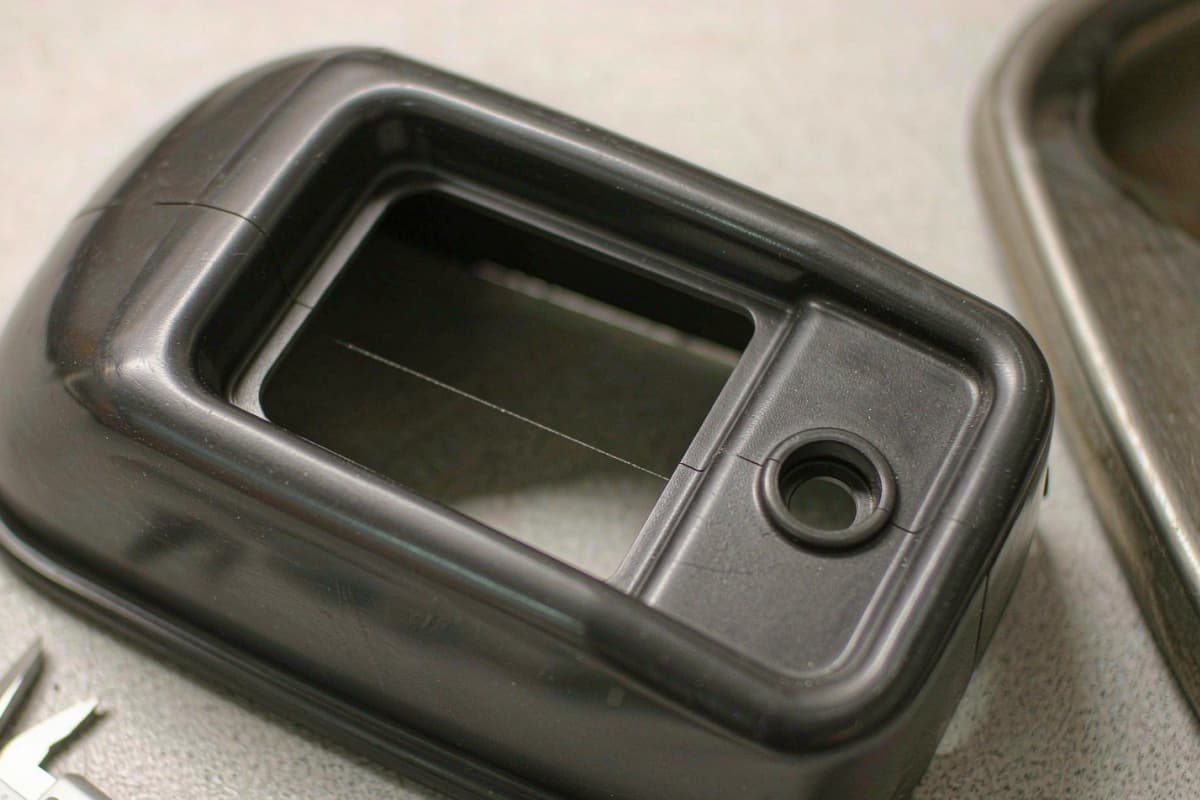

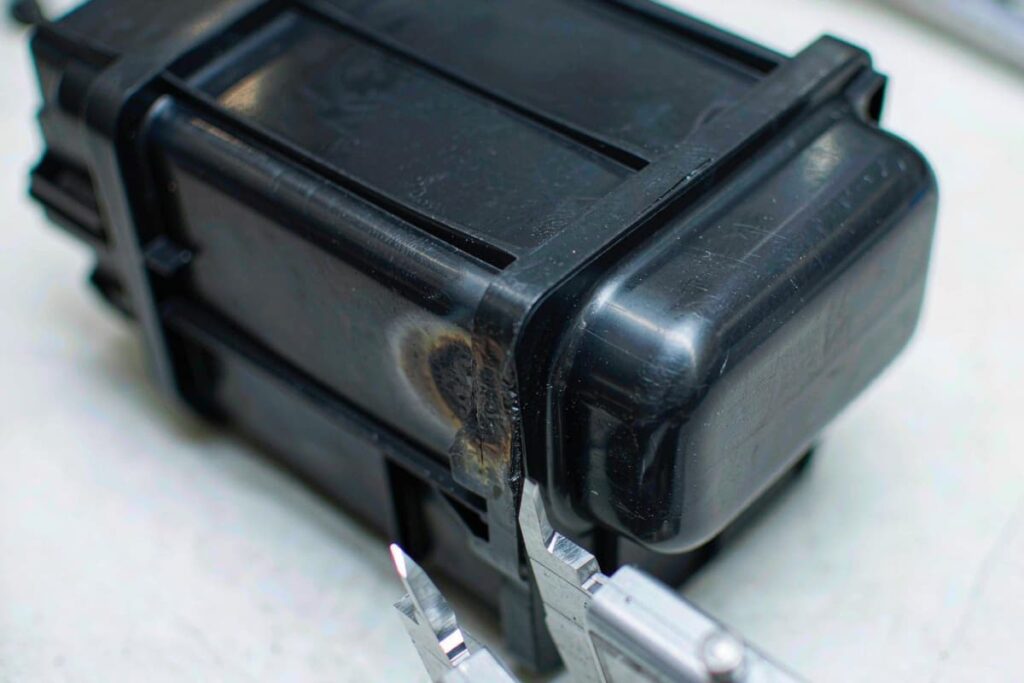
Burn marks are brown or black scorched patches on a molded part — usually at the end of the flow path, in deep ribs, or right after the gate. The most common cause sounds strange until you picture it: air trapped in the cavity gets squeezed by the incoming plastic, and compressed air heats up just like the fuel in a diesel engine. That hot air scorches the plastic it touches. It’s called the diesel effect, and it’s why most burn marks are really a venting problem, not a temperature problem. For the full list of molding defects, see our defects prevention guide.
1. The Burn Location Tells You the Cause
Before touching any setting, look at where the burn is. The location almost always points to the cause:
| Burn location | Most likely cause | Fix first |
|---|---|---|
| End of fill, or in deep ribs and blind corners | Trapped air (no vent, or a blocked one) | Clean or add a vent right where the burn is |
| Right after the gate | Shear heat — plastic burning as it squeezes through a small gate | Slow down injection; enlarge the gate if needed |
| Random black specks anywhere on the part | Contamination or degraded material in the barrel | Purge the barrel; check regrind and drying |
| Same spot after mold maintenance | Grease or residue on the mold surface | Clean the mold; use less grease near ejector pins |
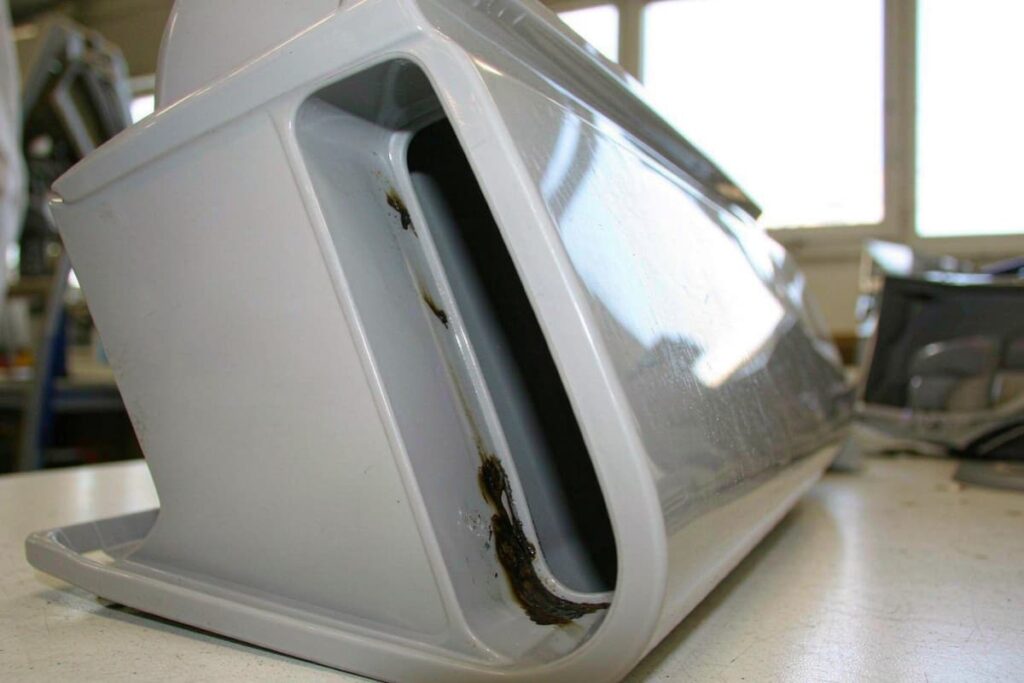
2. The 7 Root Causes
| # | Cause | What happens | First check |
|---|---|---|---|
| 1 | Blocked or missing vents | Air can’t escape, gets compressed, and burns the plastic | Inspect and clean the vents at the burn spot |
| 2 | Injection speed too high | The last part of the fill happens so fast the air has no time to escape | Slow down the final 10% of the fill |
| 3 | Melt temperature too high | The plastic itself is hot enough to start breaking down | Compare actual melt temp to the datasheet |
| 4 | Material sitting too long in the barrel | Plastic that waits in the heat degrades and burns | Check cycle time and machine size vs. shot size |
| 5 | Gate too small | Squeezing through a tiny gate heats the plastic by friction | Check the gate size; enlarge if marginal |
| 6 | Wet or contaminated material | Moisture and dirt burn at normal processing temperatures | Check drying, regrind ratio, and material storage |
| 7 | Grease or release agent on the mold | Lubricants burn onto the part surface | Clean the mold; cut back on grease near ejectors |
Causes 1–2 are behind most air-trap burns, causes 3–5 are heat and shear problems, and causes 6–7 are material and mold-cleanliness problems. Random specks point to the last group; burns in the same spot every shot point to the first.
3. Why Venting Comes First
It’s tempting to treat every burn by lowering temperatures. That rarely works for a true air-trap burn, because the plastic isn’t too hot — the air is. Compressed air at the end of a fast fill can reach several hundred degrees for a split second, and no barrel setting will change that.
So the fix order is clear:
- Clean the vents at the burn spot. Vents clog with residue over thousands of shots, and a clogged vent works like no vent at all. This is the cheapest fix and solves most cases.
- Slow down the last part of the fill. Reducing the injection speed near the end gives the air time to escape. Free to try, and it confirms the diagnosis fast.
- Lower melt temperature and check material — for shear and degradation burns (gate-area burns, random specks).
- Only then touch the tool: add a vent where there is none, enlarge a tight gate, or add vent pins in deep ribs.
One thing to watch: don’t deepen vents blindly. A vent deeper than the resin allows lets plastic through and creates flash. Vent depth and flash risk are two sides of the same design decision — each material has its own safe depth (roughly 0.01 mm for PC, up to 0.02 mm for PP).
4. Preventing Burn Marks at the DFM Stage
- Put a vent wherever the flow ends. Every last-to-fill corner, deep rib bottom, and blind pocket needs its own escape path — planned before the tool is cut.
- Use vent pins or porous steel in deep ribs where a parting-line vent can’t reach.
- Avoid dead-end pockets in the design. If the part geometry traps air with no way out, no amount of venting will fully fix it — see the wall and rib rules in our DFM design guide.
- Put vent cleaning on the maintenance schedule. Vents clog gradually; cleaning them by shot count, not calendar time, keeps burns from creeping back — our mold maintenance guide covers the schedule.
FAQ
What causes burn marks in injection molding?
Mostly trapped air. When air can’t escape through the vents, the incoming plastic compresses it, and compressed air gets hot enough to scorch the part — the diesel effect. Other causes are melt that’s too hot, plastic sitting too long in the barrel, and contamination.
How do you fix burn marks?
First clean or add a vent exactly where the burn appears, then slow the last part of the injection. If the burn is at the gate or shows up as random specks, lower the melt temperature and check the material for moisture and contamination instead.
Why do burn marks come back after cleaning the mold?
Because vents clog again with use, especially with glass-filled or heavily pigmented materials. Cleaning vents needs to be a scheduled maintenance item by shot count, not a one-time fix.
Related Reading
- Common Injection Molding Defects: Prevention Guide
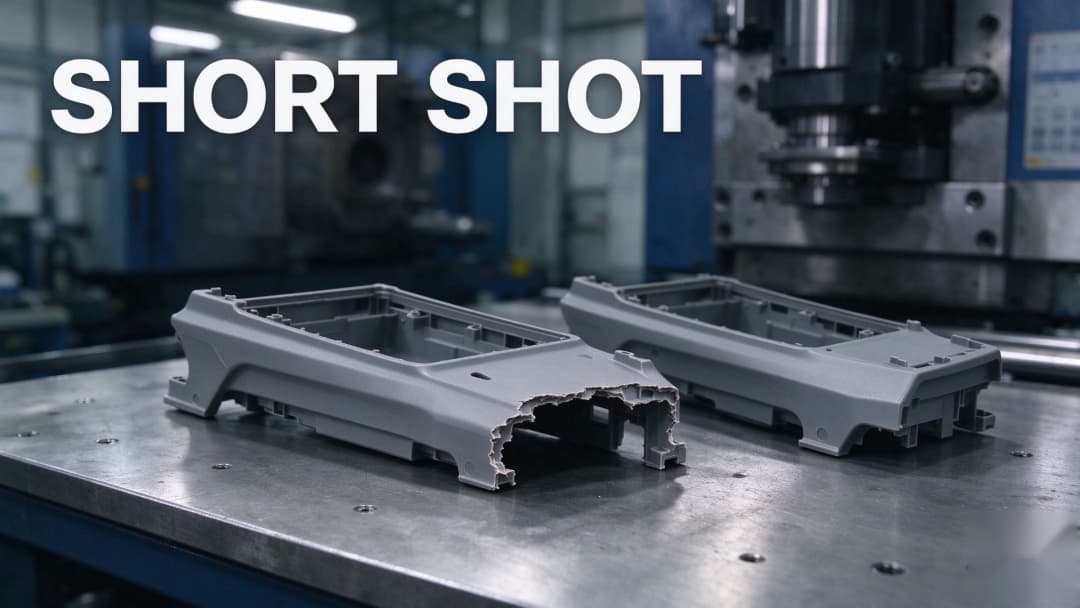
- Short Shots in Injection Molding: Causes & Fixes
- Weld Lines in Injection Molding: Causes & Fixes
- Injection Molding Flash: Causes, Prevention, and How to Fix It
Burn marks are one of the most fixable defects — once you read the location instead of guessing at settings. Our engineers review venting strategy, fill profile, and material handling on every custom injection molding project before the steel is cut. If burns keep coming back on a stable job, send us the part, the resin grade, and where the burn sits — a focused engineering review is faster than a new tool.